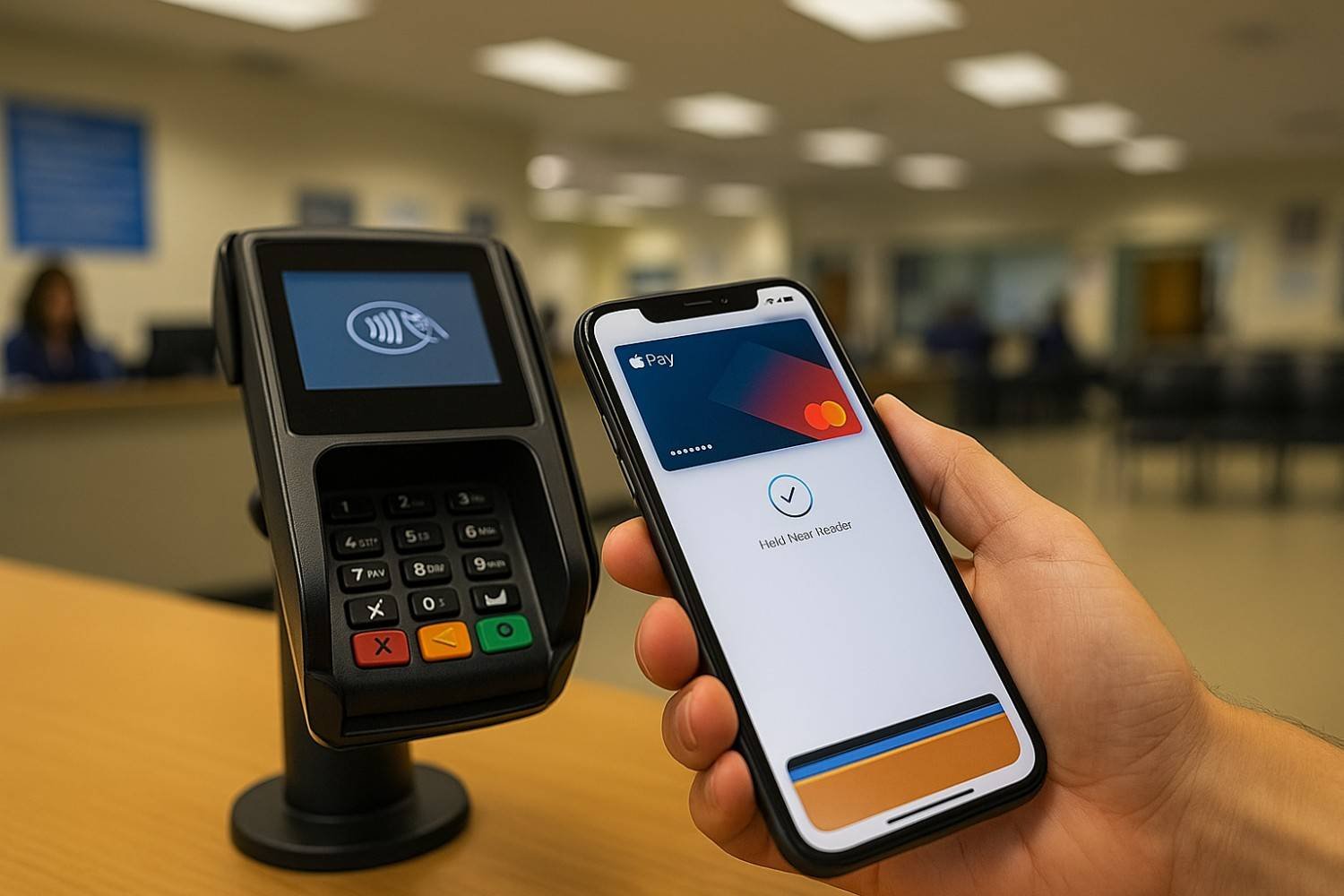
If you’ve ever stood in a DMV line clutching your iPhone and wondering “does DMV take Apple Pay?” you’re not alone. I had the exact same mini panic the first time I went to renew my license without my physical wallet. My whole plan depended on that little double-click on the side button—and I realized I had no idea whether the DMV was caught up with digital wallets or still living in the cash-and-check era.
After digging into official DMV websites and recent news across multiple states, here’s the clear, up-to-date answer.
What’s the short answer to “does DMV take Apple Pay”?
The honest answer: it depends on your state and even the specific DMV office.
Many DMVs do accept Apple Pay (and other digital wallets like Google Pay and Samsung Pay), especially for in-person payments. For example, California, New York, Virginia, South Carolina, and Illinois all support some form of Apple Pay at DMV facilities.
However, some DMVs still do not accept any contactless payments, including Apple Pay. The District of Columbia DMV explicitly lists Apple Pay and Google Pay as “payment methods not accepted” at their locations.
On top of that, online DMV services may or may not allow Apple Pay depending on the state and the specific transaction. California, for example, accepts Apple Pay online for some fees but not for every type of payment.
So the real takeaway: you can’t assume your DMV uses Apple Pay until you check your state and, ideally, your branch.
Which DMVs currently accept Apple Pay and other digital wallets?
States that clearly say “yes” to Apple Pay
From current public info, several DMVs mention Apple Pay or “digital wallets” by name:
- California DMV – Accepts digital wallets (Apple Pay, Google Pay) at DMV offices for many payments; Apple Pay is also accepted online for some transactions, usually with a small service fee.
- New York DMV – Lists “mobile payment services, including Apple Pay, Google Pay and Samsung Pay” as accepted methods at DMV offices.
- Virginia DMV – Announced Apple Pay, Google Pay and Samsung Pay are accepted at all 75 customer service centers and DMV 2 Go mobile offices.
- Illinois DMV facilities (Secretary of State) – Public updates confirm that digital wallets like Apple Pay, Google Pay and Samsung Pay are accepted at all 150 facilities.
- South Carolina DMV – Recent news about “new payment options” notes that Apple Pay is among the accepted methods at SCDMV offices.
On top of these, several finance and payments blogs confirm a broader trend: many DMVs now accept digital wallets, though the exact list of states continues to evolve.
States and DMVs that still say “no” to Apple Pay
Not every DMV has joined the tap-to-pay club yet:
- DC DMV explicitly lists “Contactless Payments, such as Apple Pay and Google Pay” under payment methods not accepted.
Other states may not mention Apple Pay at all on their payment pages, or they might only accept traditional cards, checks, cash, or money orders. In those cases, you should assume Apple Pay is not supported until confirmed otherwise.
How do you check if your local DMV takes Apple Pay?
Because policies differ so much, I treat Apple Pay at the DMV as a “verify before you go” situation. Here’s the simple routine I use:
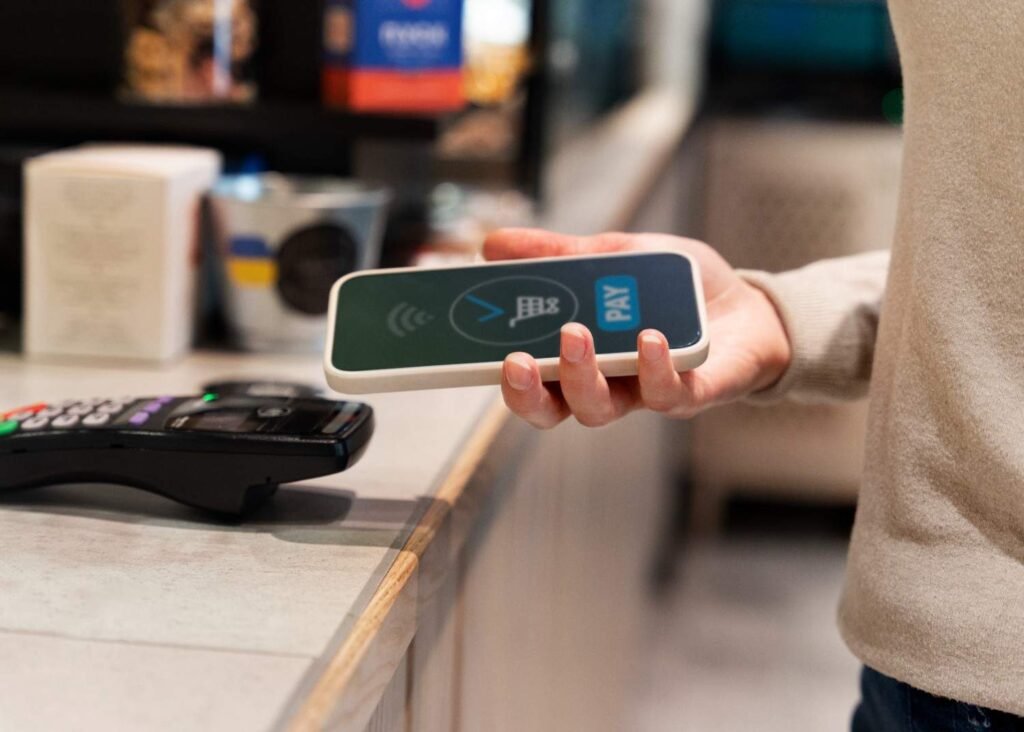
1. Check your state DMV website’s payment page
Most DMVs have a “Payment Methods” or “Accepted Forms of Payment” section.
- Look specifically for “Apple Pay,” “digital wallet,” “contactless,” or “mobile payments.”
- States like New York and California label mobile wallet payments clearly, so you’ll see Apple Pay listed right next to credit and debit cards.
If the page only mentions cash, credit/debit cards, checks, and money orders, assume Apple Pay is not available unless they say otherwise.
2. Check whether your transaction is online, kiosk, or in-person
Even in states that accept Apple Pay, not every channel supports it:
- California, for example, accepts Apple Pay online and at offices for some payments, but not at kiosks or by mail/phone.
- Virginia’s Apple Pay support applies to customer service centers and DMV 2 Go offices, not necessarily every outreach channel.
So double-check the payment options for the exact service (license renewal, registration, tickets, etc.) and the way you’re doing it (in person vs. online).
3. Call the local office if the website isn’t clear
If the website feels vague, I just call the main DMV number or the specific branch and ask:
“Do you accept Apple Pay or other digital wallets at this location for [license/registration/ticket] payments?”
It’s a 2-minute call that can save a big headache at the counter.
What other payment methods does the DMV usually accept?
Even if your state doesn’t support Apple Pay yet, you almost always have other options. Across the states I researched, DMVs commonly accept:
- Credit and debit cards (Visa, Mastercard, Discover, American Express) for many in-person and online transactions.
- Cash at physical offices (though some locations limit or discourage it).
- Checks and money orders, often payable to the state treasurer or DMV.
- Digital wallets (Apple Pay, Google Pay, Samsung Pay) in states that have upgraded their payment systems.
A quick pro tip I follow: always bring a backup payment method, even if the website says they accept Apple Pay. Tech issues, network outages, or terminal glitches can happen anywhere, and the DMV is not where you want to find that out the hard way.
Frequently Asked Questions
1. Does DMV take Apple Pay for all transactions?
No. Even in states that support Apple Pay, it might only work for certain transaction types or channels. For example, California notes that Apple Pay is accepted “for some transactions” online and in-office, not every single fee or service.
That’s why it’s smart to look at the specific service page (like “registration fees” or “licensing fees”) and confirm what’s accepted there.
2. Can I pay DMV tickets or fines with Apple Pay?
Sometimes, but not everywhere. Some states route traffic or parking tickets through separate online portals that may not support mobile wallets yet. A lot of official sites still lean on standard credit cards or checks for ticket payments. Check the link printed on your ticket or the “Pay a Ticket” section on your DMV or city court website to see the exact list of accepted payment methods.
3. Is there a fee for using Apple Pay at the DMV?
Often, yes. Many DMVs treat Apple Pay like a card-not-present or premium card transaction and add a small percentage fee:
- California lists a 2.0–2.1% service fee for digital wallet transactions like Apple Pay, online or in-office.
Other states may have similar convenience fees, especially for credit, debit, or online payments. If you want to avoid extra charges, check the fee details before choosing Apple Pay.
4. How can I quickly tell if my DMV uses Apple Pay without reading every page?
If you’re in a hurry, I use a three-step shortcut:
- Google “[Your State] DMV payment methods” and scan for “digital wallet,” “Apple Pay,” or “mobile payment services.”
- If nothing shows up, I search the DMV site for “Apple Pay” using the site search bar.
- If it’s still unclear, I call the main customer service number and ask directly.
It’s not glamorous, but it’s faster than standing in line only to be told “we don’t take that here.”
Final verdict: does DMV take Apple Pay and how should you prepare?
So, does DMV take Apple Pay? In 2025, the real answer is: many DMVs do, but not all—and not for every transaction. States like California, New York, Virginia, Illinois, and South Carolina clearly support Apple Pay or other digital wallets at their DMV locations, while places like DC still say no to contactless payments.
My personal strategy is simple:
- I check my state DMV site before I go.
- I bring Apple Pay plus one backup (physical card or cash/check).
- I assume the system may change, so I verify again whenever I have a big DMV errand.
That way, if the clerk says “yes, we take Apple Pay,” I just smile, double-click, and tap. And if they say “no,” I’m still covered—and I’m not that person holding up the line.