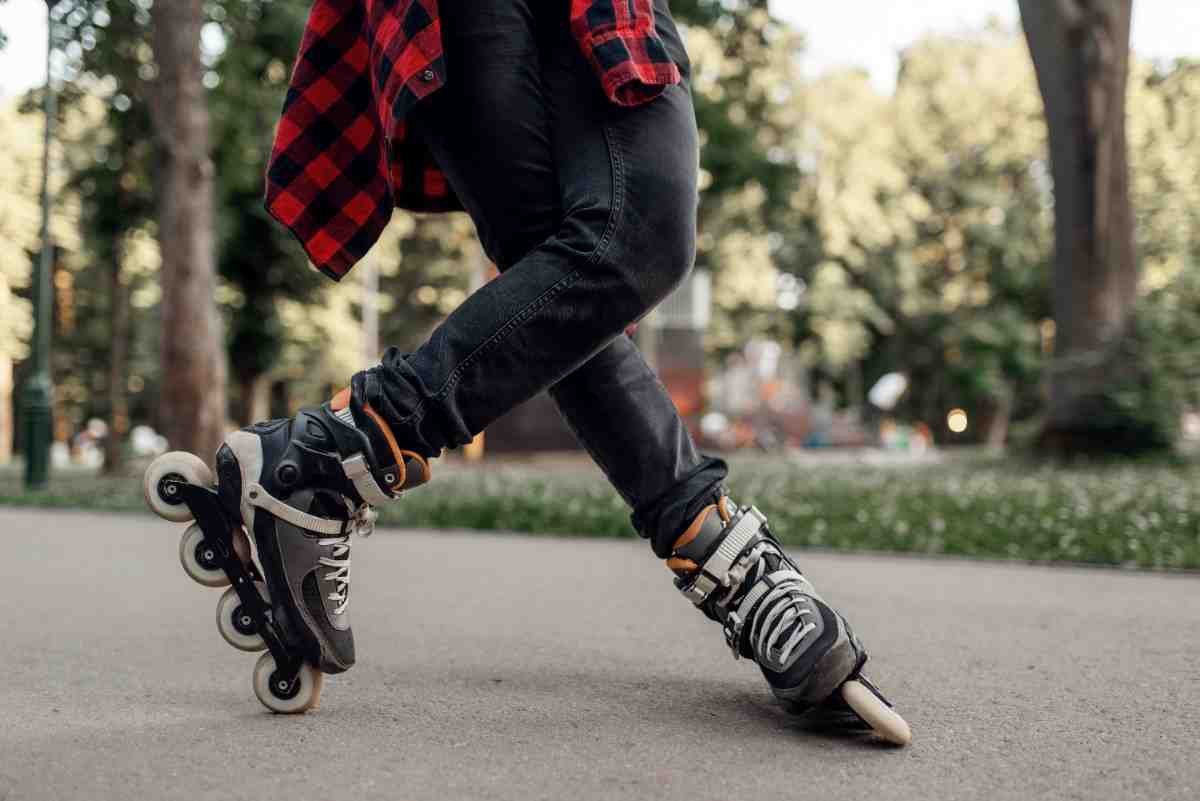
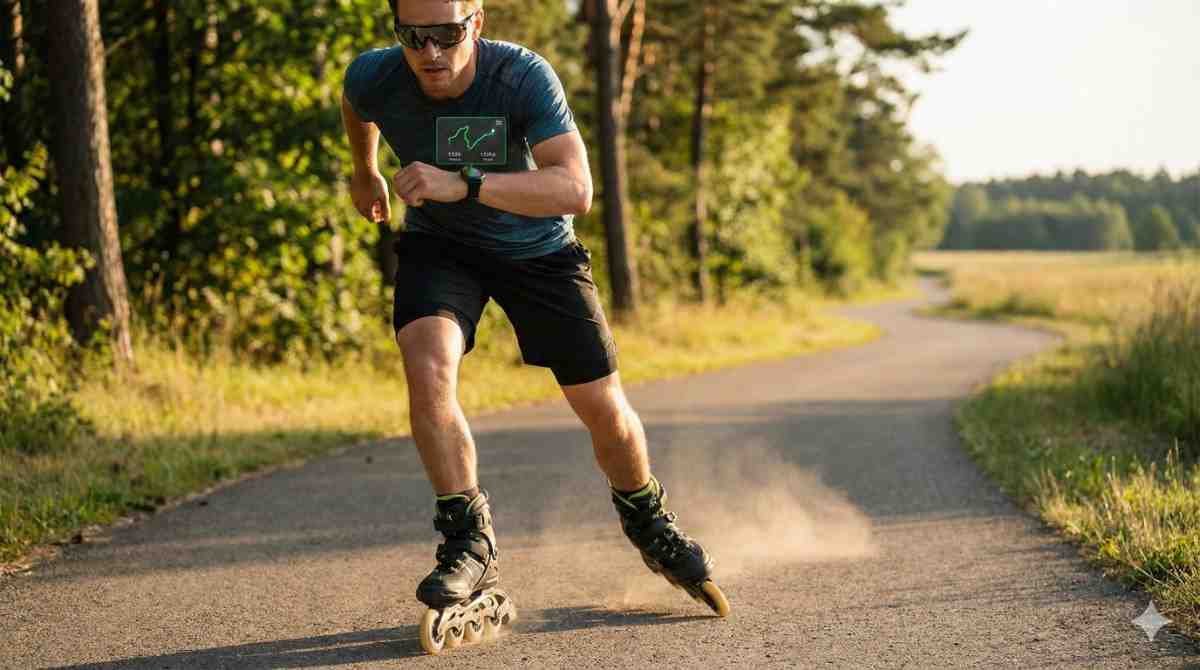
The first time I tried skating with my smartwatch, I finished the session feeling great. Then I checked the app and it said I had gone for a walk. A very fast walk. That was the moment I realized skating tracking is not broken. It just needs the right setup. Once I figured out how to use smartwatch for skating tracking properly, my stats finally started to make sense and actually helped me improve.
If your watch feels confused every time you skate, this guide will fix that. I will walk you through the exact setup, best activity modes, app choices, and brand specific tips that actually work in real life.
Why Skating Tracking Needs Special Setup
Skating does not move like running. Your stride is smoother, your arms move differently, and your speed changes in longer glides. Most smartwatches are designed around steps, not pushes.
That is why skating can show strange distances or speeds if you just press start and hope for the best. GPS works well for skating, but only when the right activity mode and app are used. Once those are dialed in, skating data becomes surprisingly reliable.
Another factor is the environment. Outdoor paths work great for GPS. Indoor rinks do not. Knowing what your watch can and cannot measure saves a lot of frustration.
How To Use Smartwatch For Skating Tracking With Gps Enabled
GPS is the backbone of skating tracking outdoors. Before you start, open your watch settings and confirm that location services are turned on. On most watches, this lives under Location or Privacy and Security.
When you start a skating session, stand still for a few seconds in an open area. This allows the watch to lock onto GPS satellites. Skipping this step often leads to missing distance at the start of your session.
Once GPS is locked, start your workout and skate naturally. Try not to pause too often. Long pauses can drag down your average speed and make the data harder to interpret later.
How To Use Smartwatch For Skating Tracking With The Right Activity Mode
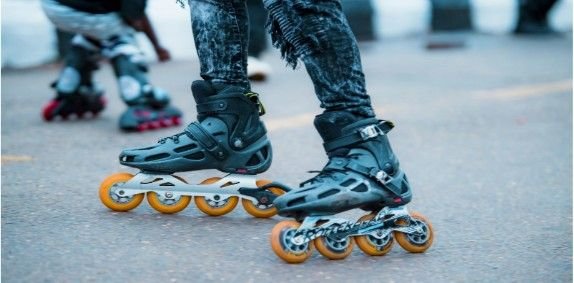
Some watches now include skating or inline skating as a built in activity. If your watch has it, use it. These profiles are tuned for gliding motion and smoother speed changes.
If your watch does not offer skating, cycling is usually the best option for outdoor skating. It handles continuous motion better than running modes. For indoor skating, use an indoor workout or other activity mode that focuses on time and heart rate.
Consistency matters more than perfection. Pick one mode and stick with it so your data stays comparable from session to session.
How-To Setup Guide
Start by enabling GPS in your watch settings. Open the fitness or workout app on your watch and choose skating if available. If not, select cycling for outdoor skating or indoor workout for rink sessions.
Wait for GPS to lock before moving. You will usually see a signal icon or vibration when it is ready. Adjust the watch so it fits snugly but comfortably. This improves heart rate accuracy.
Begin skating and let the watch run in the background. Avoid checking stats constantly. Focus on your session. When finished, stop and save the workout.
Open the companion phone app and sync your data. Review distance, speed, heart rate, and route maps. Over time, look for trends rather than judging a single session.
Brand Specific Smartwatch Tips For Skating
Different brands handle skating slightly differently. Knowing the quirks helps a lot.
Apple Watch Skating Tracking
Apple Watch does not always track skating distance perfectly using the native skating or skateboarding activity. Many skaters use Outdoor Run or Outdoor Cycle for better GPS distance.
After syncing, apps like Strava or HealthFit allow you to change the activity type to skating. Make sure Location Services are enabled for the Workout app or your maps may be incomplete.
Garmin Skating Tracking
Many newer Garmin models include Inline Skating or Ice Hockey profiles. These work well out of the box. Older models may require a custom activity or a third party app from the Connect IQ Store.
Garmin Connect also allows you to change the activity type after syncing on the web portal, which is useful if you recorded using cycling.
Samsung Galaxy Watch Skating Tracking
Some Samsung watches support Inline Skating in the phone app but not directly on the watch. In those cases, starting the workout from the phone or using Strava works well.
Newer models like the Watch5 Pro allow inline skating as a customizable discipline, which improves accuracy and ease of use.
Other Smartwatch Brands
Fitbit, Polar, and similar brands vary by model. If a skating option is missing, third party apps like Strava or SportsTracker usually fill the gap. Always test once and adjust before committing long term.
How To Use Smartwatch For Skating Tracking Indoors
Indoor skating does not work with GPS. That is normal. Use an indoor workout or other activity mode and focus on time, heart rate, and effort.
Distance estimates indoors are often inaccurate and should be ignored. Instead, track session length and how your heart rate responds to drills or laps. Over time, skating should feel easier at the same heart rate.
Adding a short note in your app like rink practice or drills helps give context later when reviewing stats.
Tips For Accuracy And Safety While Skating
A snug fit improves heart rate accuracy. Loose watches tend to spike or drop readings during arm movement.
Skating comes with falls, so a screen protector or rugged case is worth it. One fall can crack a screen and end your tracking habit fast.
Use reliable apps that are widely supported skating friendly platforms across brands. It syncs well and keeps long term data organized.
Frequently Asked Questions
1. Can a smartwatch accurately track skating distance?
Yes, for outdoor skating with GPS enabled. Accuracy depends on clear sky view, correct activity mode, and waiting for GPS lock before starting. Indoor skating does not support accurate distance tracking, so focus on time and heart rate instead.
2. Which activity should I choose if skating is not listed?
For outdoor skating, cycling works best on most watches. For indoor skating, use an indoor workout or other activity mode. Consistency matters more than the label you choose.
3. Do I need third party apps for skating tracking?
Not always, but they help. Apps like Strava improve distance tracking, activity labeling, and data visualization across brands. They also make it easy to switch activity types after syncing.
4. Is skating good cardio according to smartwatch data?
Absolutely. Skating often keeps heart rate in moderate to high zones for extended periods. Tracking heart rate trends over time shows real cardiovascular improvement.
Your Watch Is A Tool, Not The Boss
Once you learn how to use smartwatch for skating tracking correctly, it stops being frustrating and starts being fun. The data helps you skate smarter, not harder, but it should never steal the joy from the session.
Some of my favorite skates look average on paper and amazing in real life. Use the numbers for guidance, not judgment. Lace up, press start, and trust that the glide matters more than the graph.